Getting started with Meta Quest 3
So, you have just got your hands on a Meta Quest 3 and want to start developing XR applications.
Before opening Unity, spend some time actually using the headset. It is much easier to design XR interactions once you have experienced what good VR and mixed reality interactions feel like.
First: try the headset properly
Start with these free experiences
First Steps
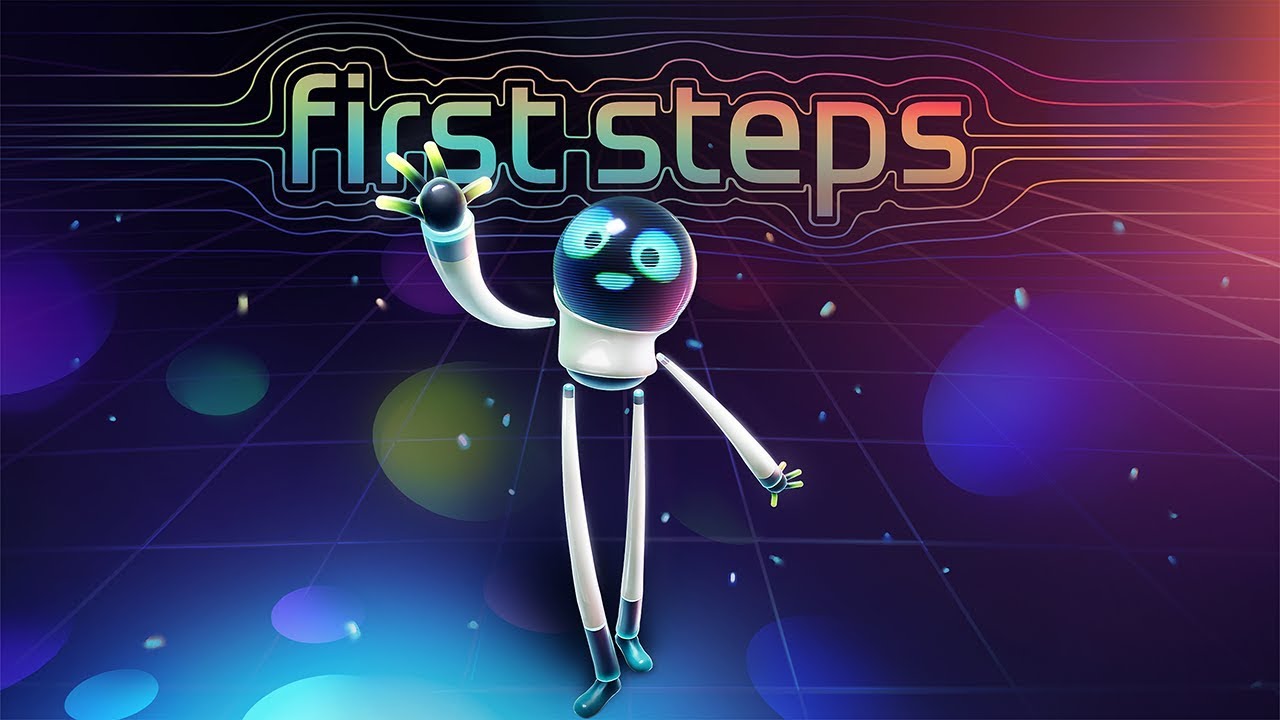
This is the basic introduction to using a Meta Quest headset and its controllers. It demonstrates head and hand presence, grabbing, throwing and other fundamental VR interactions.
Pay attention to more than just the game itself:
- How does the application teach you what to do?
- How does it show where your virtual hands are?
- What happens when you grab or release something?
- What visual and haptic feedback do you receive?
- How much physical space does the experience expect you to have?
These details are easy to ignore as a user, but you will soon need to make the same decisions as a developer.
First Encounters
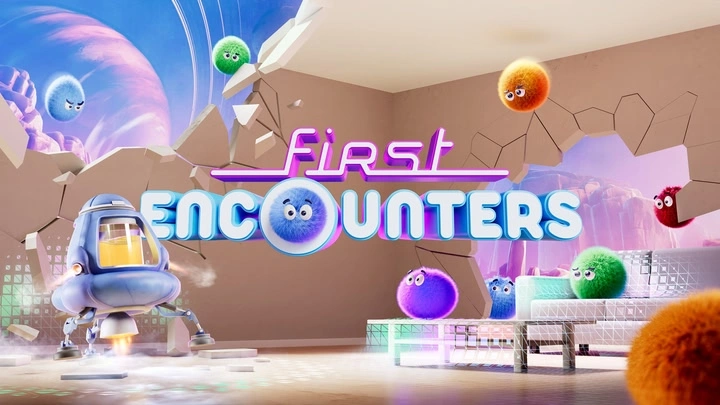
First Encounters is an introduction to mixed reality. It uses passthrough and information about your physical room to blend virtual content with your real environment.
It is a useful demonstration of:
- colour passthrough;
- room and surface understanding;
- interaction between virtual objects and physical geometry;
- occlusion;
- spatially placed content; and
- designing an experience around the user's actual surroundings.
Again, do not just play it. Think about what the application must know about your room and how that information changes the experience.
Other experiences I recommend
These are paid applications, so they are optional.
Puzzling Places
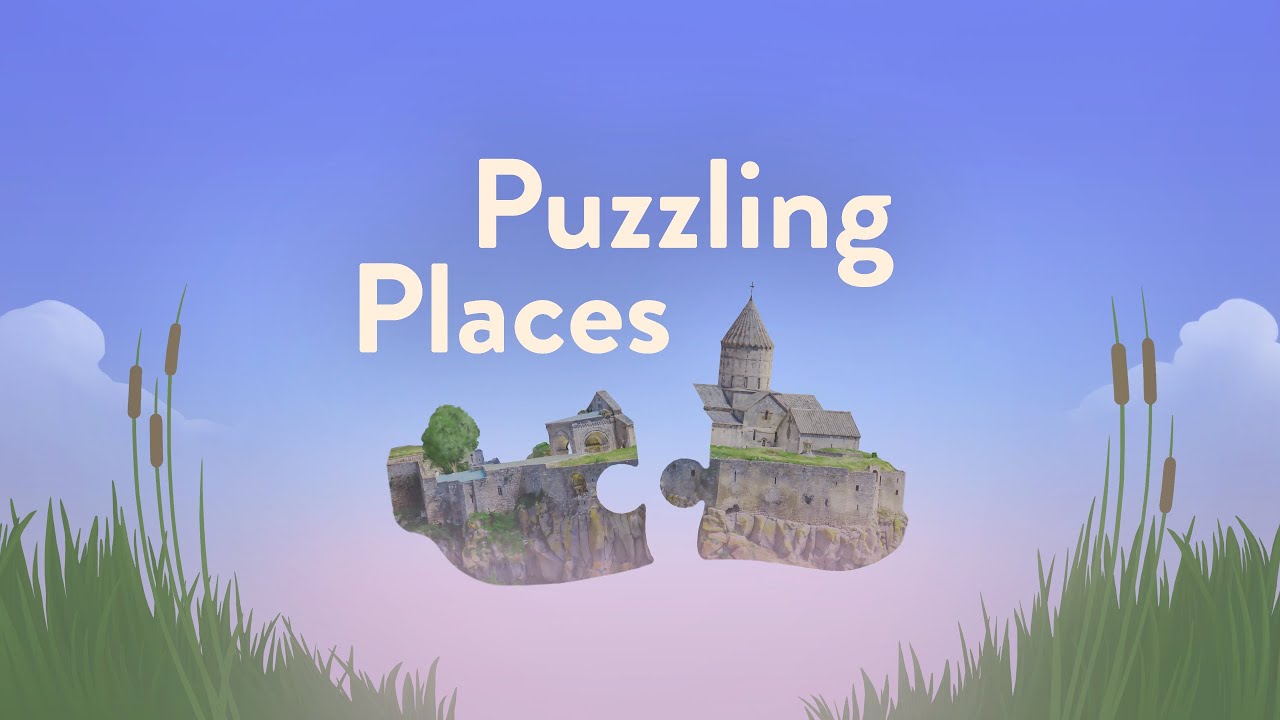
Puzzling Places is a relaxing 3D puzzle game, but I mainly recommend it because it implements co-located mixed reality multiplayer very well.
Two people wearing compatible Quest headsets can work on the same virtual puzzle in the same physical room. The virtual content appears in a consistent shared location for both users.
This is a good example of:
- co-location;
- shared spatial anchors;
- multi-user interaction;
- mixed reality; and
- designing collaborative work around a shared virtual object.
Tell me if you want to play this, we will need 2 headsets in the same room.
Cubism
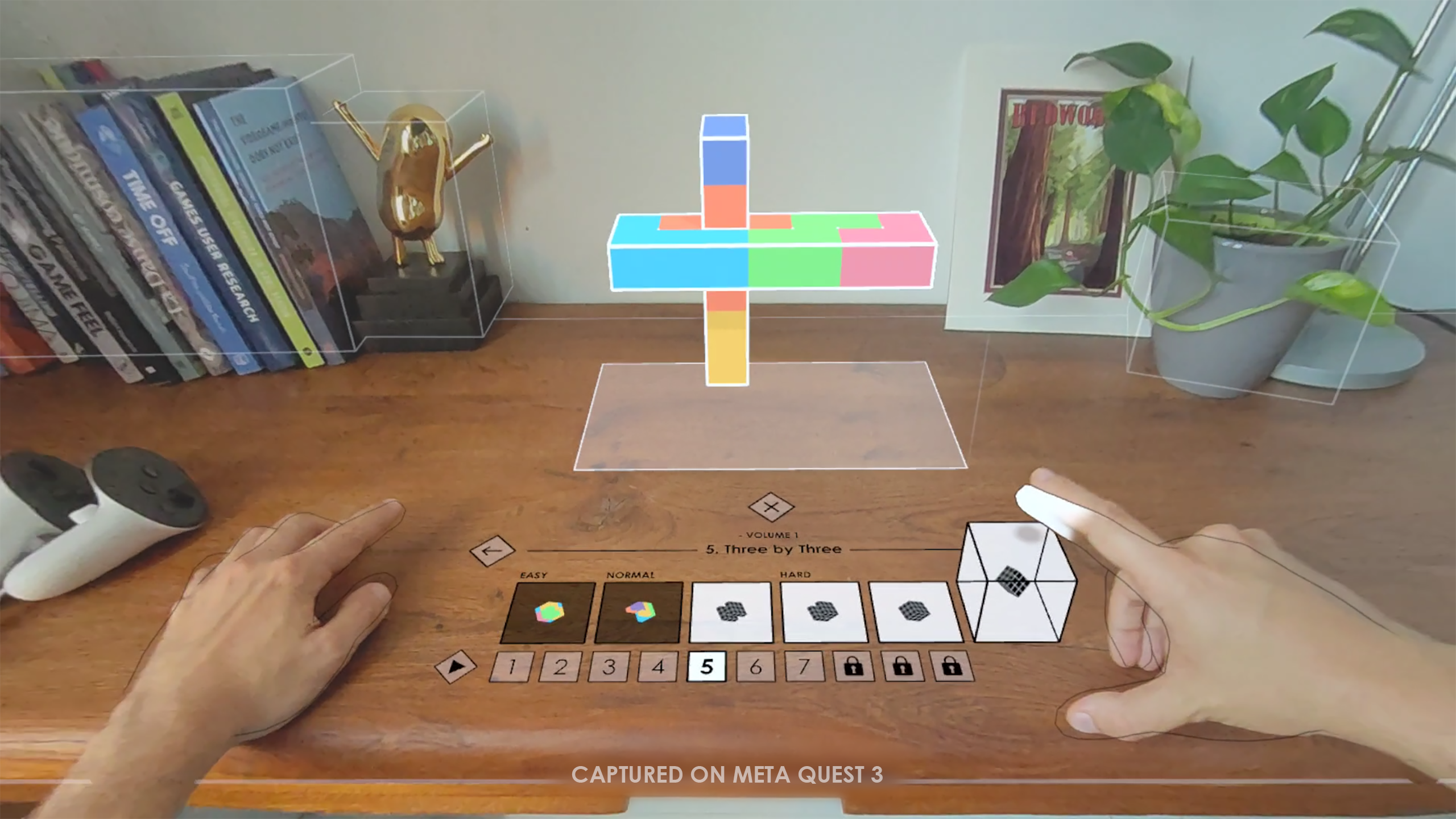
Cubism is another puzzle game with excellent hand-tracking and mixed reality support.
It is a useful example of an application that does not simply replace controllers with hands. Its interactions are designed around the strengths and limitations of hand tracking.
Pay attention to how it handles:
- selecting and grabbing small objects;
- direct hand interaction;
- visual feedback; (as with hand tracking, you cannot provide vibrotactile feedback)
- depth and spatial placement; and
- interaction without physical buttons.
Next: start building
Once you are familiar with the headset and its interactions, continue to Unity for XR development.